
DURABLE STATE
Recover the whole job.
The scanned inventory, progress and resume phase persist locally, so a supported job can continue after the app relaunches without a new scan.
Design preview · Public distribution and free trials are not open · Checkout remains sandbox-only
Pullsafe keeps a large shared-folder job recoverable, then gives the result an explicit verification verdict.
It rechecks fresh source evidence, refuses to overwrite local files, and reports what was recovered before it calls the rescue successful.
01 / WHY PULLSAFE
Pullsafe is deliberately more explicit than
a simple download-complete signal.
DURABLE STATE
The scanned inventory, progress and resume phase persist locally, so a supported job can continue after the app relaunches without a new scan.
EXPLICIT VERDICT
Content-verified, size-only, changed, missing, corrupt and failed outcomes remain distinct instead of collapsing into one success state.
SAFE PUBLICATION
Downloads use private partial files. Local conflicts stop the job, and completed output is published only through the verification rules.
RECOVERY EVIDENCE
A local manifest.json, files.csv and summary.txt record the inventory and file-by-file result.
02 / HOW IT WORKS
Three visible stages keep the destination,
source state and final verdict clear.
Paste a supported shared link. Pullsafe resolves access, scans nested folders and builds the durable inventory before copying.
Choose a new or empty destination. Pullsafe reconstructs the hierarchy, persists progress and resumes supported interruptions.
Pullsafe rechecks remote version and available hash evidence, then reports full, limited or failed verification without hiding the difference.
A Pullsafe account and active entitlement unlock the app. Microsoft sign-in is separate and requested only when the chosen link requires it.
03 / RECOVERY ASSURANCE
A finished transfer is not automatically a successful rescue. Pullsafe evaluates the recovered inventory before reporting the outcome.
The verdict uses current size and remote-version evidence plus a provider hash when one is available. A size-only result stays visibly limited; it is not presented as content-verified.
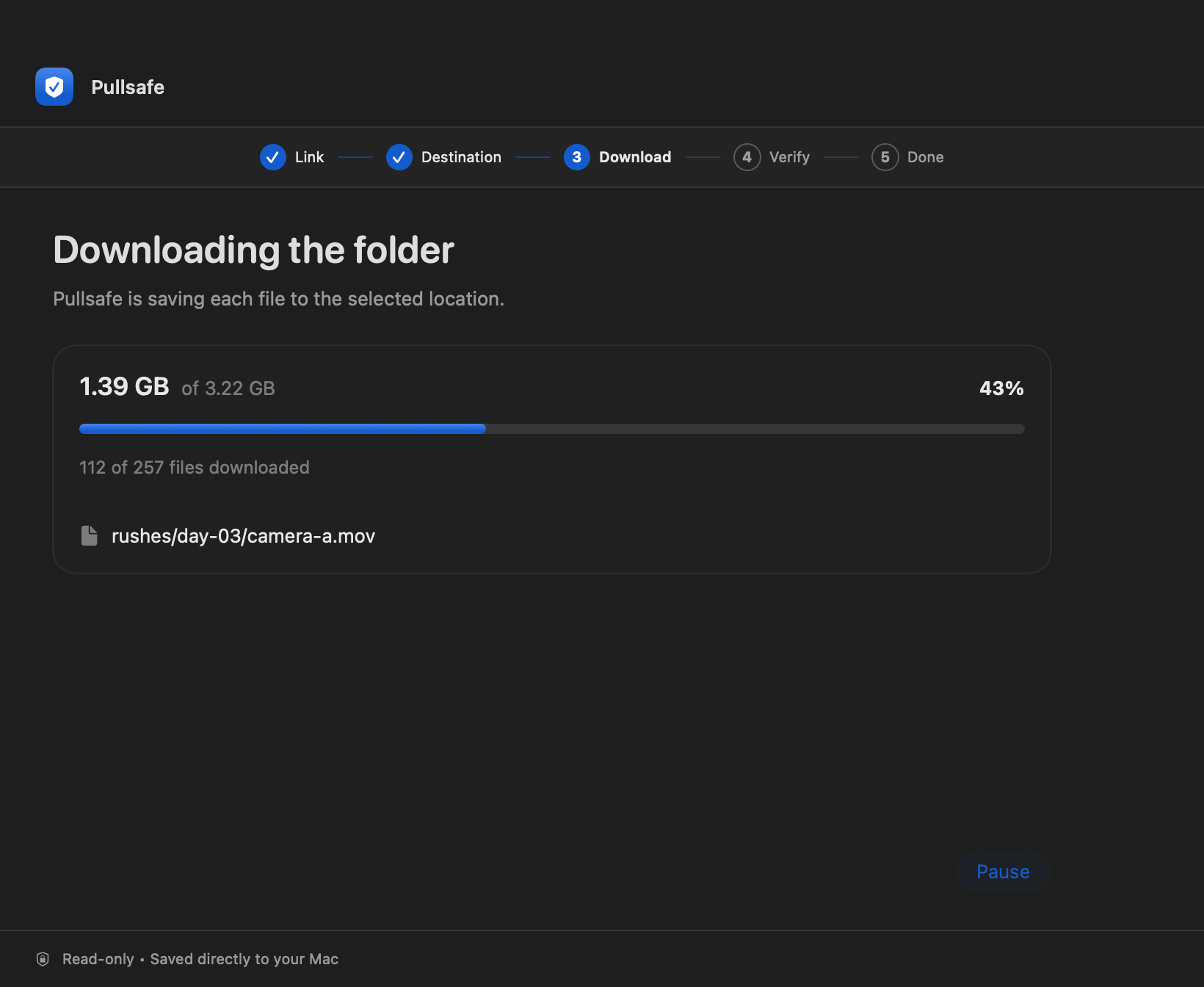
See the controlled evidenceA synthetic folder containing 257 files, 25 folders and 3,222,249,636 bytes was transferred from OneDrive Personal. The Mac app was closed during a large file, reopened and resumed the same job without a new scan. Final paths, sizes and SHA-256 values matched an independent source manifest.
This is evidence for one controlled August 2026 scenario, not a guarantee for every Mac, file or Microsoft sharing configuration. The interface previews above use sample data and are not screenshots of that test.
04 / COMPARE
Compare Pullsafe’s recovery workflow with
common ways of retrieving shared files.
| Capability | Pullsafe | Browser Download | OneDrive Sync | JDownloader 2 |
|---|---|---|---|---|
| Complete shared-folder recovery | SupportedCurrent OneDrive scope | LimitedOne-off ZIP download | LimitedSynced folder mirror | LimitedCloud-plugin dependent |
| Partial-file resume | SupportedByte-range resume | LimitedFile/server dependent | LimitedSync-managed restart | LimitedHost/plugin dependent |
| Whole-job recovery across stages | SupportedScan through verification | NoNo multi-stage job | NoNot a recovery job | LimitedDownload list persists |
| Explicit final verification verdict | SupportedFull, limited, or failed | NoDownload completion only | NoSync status, not a verdict | LimitedPer-file hash if available |
| Fresh remote-state recheck | SupportedVersion + available hash | NoNo post-download recheck | LimitedContinuous sync state | LimitedSource hash if available |
| No-overwrite publication policy | SupportedStops on conflict | LimitedSave/rename behavior | LimitedSync conflict rules | LimitedConfigurable file handling |
| Recovery evidence / report | SupportedManifest + CSV + summary | LimitedDownload history | LimitedSync status/activity | LimitedDownload list + logs |
| Read-only cloud access | SupportedDownload permission only | SupportedDownload action only | NoBidirectional sync | SupportedDownload workflow only |
| Preserves folder hierarchy | SupportedReconstructed locally | LimitedZIP-based folders | SupportedSynced folder mirror | LimitedSupported cloud plugins |
| Native macOS availability | SupportedmacOS 14+ | LimitedBrowser-based | SupportedNative Microsoft client | LimitedJava desktop app |
Comparison reflects documented product behavior relevant to the recovery workflow.
05 / CURRENT COMPATIBILITY
The validated product slice is deliberately narrow.
Public Developer ID distribution, notarization and clean second-Mac acceptance are still incomplete.
06 / COMMERCIAL DIRECTION
The native trial and paid subscription use the same Pullsafe account identity. Production access and payments are not open yet.
A FEW THINGS WORTH KNOWING
It overlaps with download tools, but its current design centers on durable whole-job recovery, explicit verification verdicts and retained evidence for one bounded OneDrive scenario. Generic resume and folder preservation alone are not presented as unique.
Pullsafe checks local size, rechecks remote version and uses a provider content hash when one is available. If only size and version can be checked, the report says verification is limited. Missing, corrupt, changed or failed files prevent a fully verified result.
Yes, for supported jobs. Pullsafe keeps the inventory, transfer state and partial files locally so it can offer the same job after relaunch. Source changes or unsafe range responses can require a file to restart or the job to stop.
The validated scope is OneDrive Personal folders shared as Anyone / Can view. Public links can avoid Microsoft sign-in when compatible; otherwise Pullsafe explains the read-only Microsoft access request before opening sign-in.
Not in production. The separate Pricing page contains a test-only CHF 9.90 monthly checkout boundary. The one-folder native trial, public distribution and final legal terms remain separate release work.